
Introduction
Ever pulled a half-full toner cartridge out of a printer that swears it's empty? You're not imagining things. Many businesses struggle with "cartridge not recognized" or "replace cartridge" alerts even when plenty of toner remains inside.
The culprit is usually a small electronic component called a toner cartridge chip. This chip and the toner powder are two separate parts of the printing system, and they don't always tell the same story.
HP documents that its toner cartridges carry a memory chip capable of recording pages printed, page coverage, and other usage data. That data drives what your printer displays, and it isn't always a perfect match for what's physically left in the cartridge.
This guide breaks down what the chip actually does, how it communicates with your printer, why chipped and chipless cartridges behave differently, and what to check before ordering a replacement.
Key Takeaways
- The chip identifies the cartridge and reports compatibility and usage data to the printer.
- Most chips estimate toner use through page counts, not by measuring the powder directly.
- Most recognition errors come from damaged contacts, incompatible chips, or firmware mismatches.
- With-chip cartridges install directly; no-chip versions may require a chip transfer.
What Is a Toner Cartridge Chip?
A toner cartridge chip is a small circuit board or memory component mounted on the cartridge. It touches electrical contacts inside the printer and exchanges stored information the moment the cartridge clicks into place.
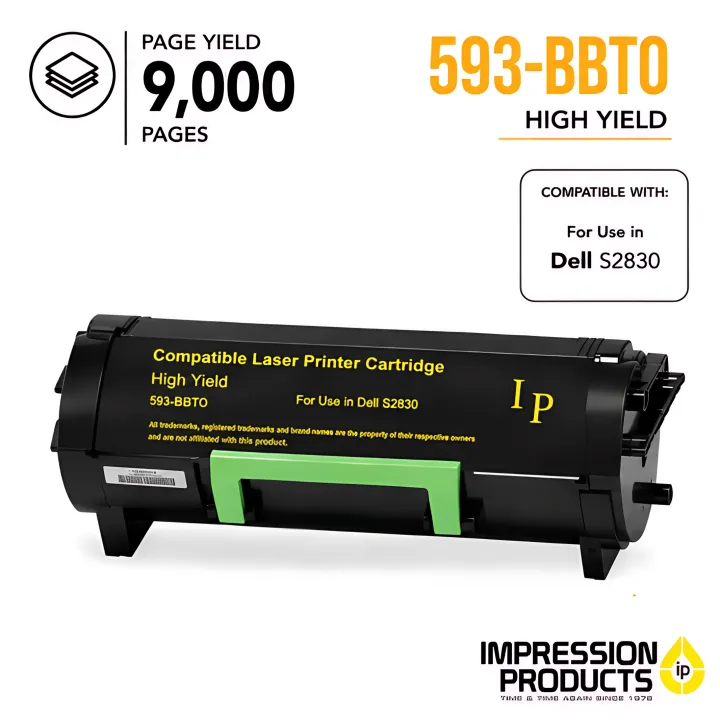

Printers rely on this exchange because they can't visually inspect what's loaded inside them. The chip fills that gap by:
- Confirming the cartridge's identity and color
- Matching the cartridge to the printer model
- Estimating remaining supply based on stored data
- Triggering low-toner or error notifications
What the chip is not: It's not the toner powder, the imaging drum, or the fuser. It doesn't create the printed image. It manages information about the cartridge so the printer's imaging components can do the work.
Chip behavior varies by manufacturer, printer model, firmware version, and cartridge supplier. A rule that holds true for one Lexmark model may not apply to a Dell unit.
Toner Chip vs. Drum Chip
Many printers use two separate chips, and the distinction matters. Lexmark's service documentation distinguishes a toner-cartridge smart-chip contact from a separate imaging-unit smart-chip contact.
The toner chip tracks the cartridge's identity and supply status. The imaging-unit chip tracks the drum's service life instead.
That's why a "Replace Imaging Unit" alert won't clear when you swap the toner cartridge. It's a different part, monitored by a different chip, with its own usage clock.
How Do Toner Cartridge Chips Work?
Every chip-printer interaction follows roughly the same sequence: the cartridge is installed, the printer reads the chip, compatibility gets checked, printing begins, and usage data updates as pages come off the tray.

Initiation
The process starts the instant the cartridge is inserted and its chip contacts touch the printer's internal contacts. At this point, the printer typically reads:
- Cartridge identification and color
- Region or model information
- Previously stored usage data
Three things commonly trip this up: poor seating, dirty or damaged contacts, and the wrong cartridge model. Lexmark's own service manuals instruct technicians to check smart-chip contacts for contamination or bending before assuming a bigger problem exists. If you're seeing a recognition error, reseating the cartridge and wiping the contacts gently is worth trying before anything else.
Core Communication
Once contact is made, the chip sends an identification code and compatibility details so the printer can confirm the cartridge belongs in that device.
The chip doesn't control the laser, the drum, or the fuser. It only supports cartridge-management decisions. Print mechanics run on their own, independent of what the chip reports.
Usage Tracking and Toner-Level Estimates
This is where most confusion starts. Printers estimate toner use by combining chip data with page counts, print coverage calculations, and cartridge-specific assumptions.
For example, Lexmark states that its MS812 model bases estimated remaining pages on roughly 5% page coverage until enough print history builds up to refine the number.
That's an assumption, not a measurement. A displayed toner level is an estimate, and it may not match the physical amount left in the cartridge.
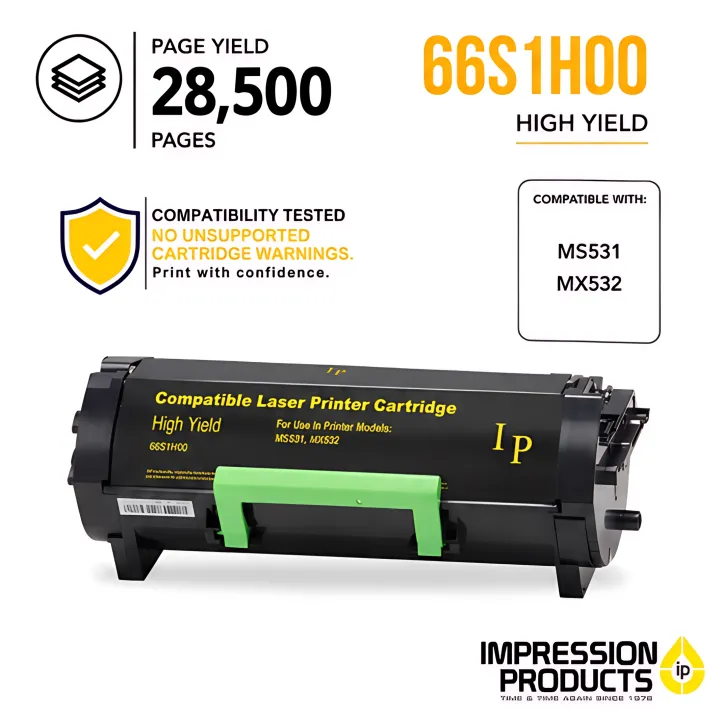
Compatible Lexmark cartridges sold through Impression Products follow the same coverage-based logic. A 51B1H00 high-yield unit, for example, is rated around 8,500 pages at approximately 5% coverage.
Why does a cartridge still have toner after a "low" or "empty" message?
- The printer calculated an estimate reaching its threshold, not an actual empty reading
- Some printers let you keep printing through override settings
- Others stop entirely once the threshold hits, regardless of what's physically left
Regulation, Authentication, and Firmware
Printers also compare the chip's information against firmware, supported specifications, and internal settings. This step exists to confirm the cartridge is genuinely built for that device.
Firmware changes can shift the outcome for third-party or older chips. HP states plainly that dynamic-security-equipped printers may accept a non-HP-chip cartridge initially, then stop accepting it after a firmware update changes the authentication process.
A cartridge that worked fine last month can suddenly throw an error after an update, with zero toner lost.
An error at this stage typically comes from one of these, not from a lack of toner:
- An incompatible chip design
- Damaged or dirty contacts
- Incorrect installation
- Outdated chip programming
- A cartridge that simply doesn't match the printer model
Output and User Alerts
After reading the chip, the printer lands on one of four outcomes: accepting the cartridge, showing an estimated toner level, displaying a warning, or refusing to print altogether.
When chip communication is accurate, you get:
- Fewer unexpected print interruptions
- Better timing for reordering toner
- More predictable cartridge management across a fleet
Buying tip: If you're unsure whether a replacement includes the chip your printer needs, ask before you order. Impression Products can confirm chip compatibility for your specific model on compatible and remanufactured cartridges.
Where Toner Cartridge Chips Are Used
Chips show up in laser cartridges across nearly every high-volume printing environment: offices, retail counters, pharmacies, dealership parts departments, and hotel front desks. Exact implementation still depends on the manufacturer and model.
With-Chip vs. No-Chip Cartridges
| Factor | With-Chip Cartridge | No-Chip Cartridge |
|---|---|---|
| Installation | Direct, plug-and-print | May require transferring a chip from the old cartridge |
| Status reporting | Toner-level estimates and alerts work normally | Reporting may be limited or inaccurate |
| Best fit | Buyers wanting hands-off convenience | Buyers comfortable handling chip transfers |
Compatibility Checklist
Before ordering a replacement, confirm:
- Exact printer model number
- Cartridge part number
- Color and yield category (standard, high, or extra high yield)
- Whether the chip is included or needs to be transferred
- Supplier installation instructions
- Return or satisfaction policy
For fleet managers, add print volume, downtime risk, and firmware version to that list. A cartridge that works fine on one printer in a chain may not behave the same way after a firmware push on another unit.
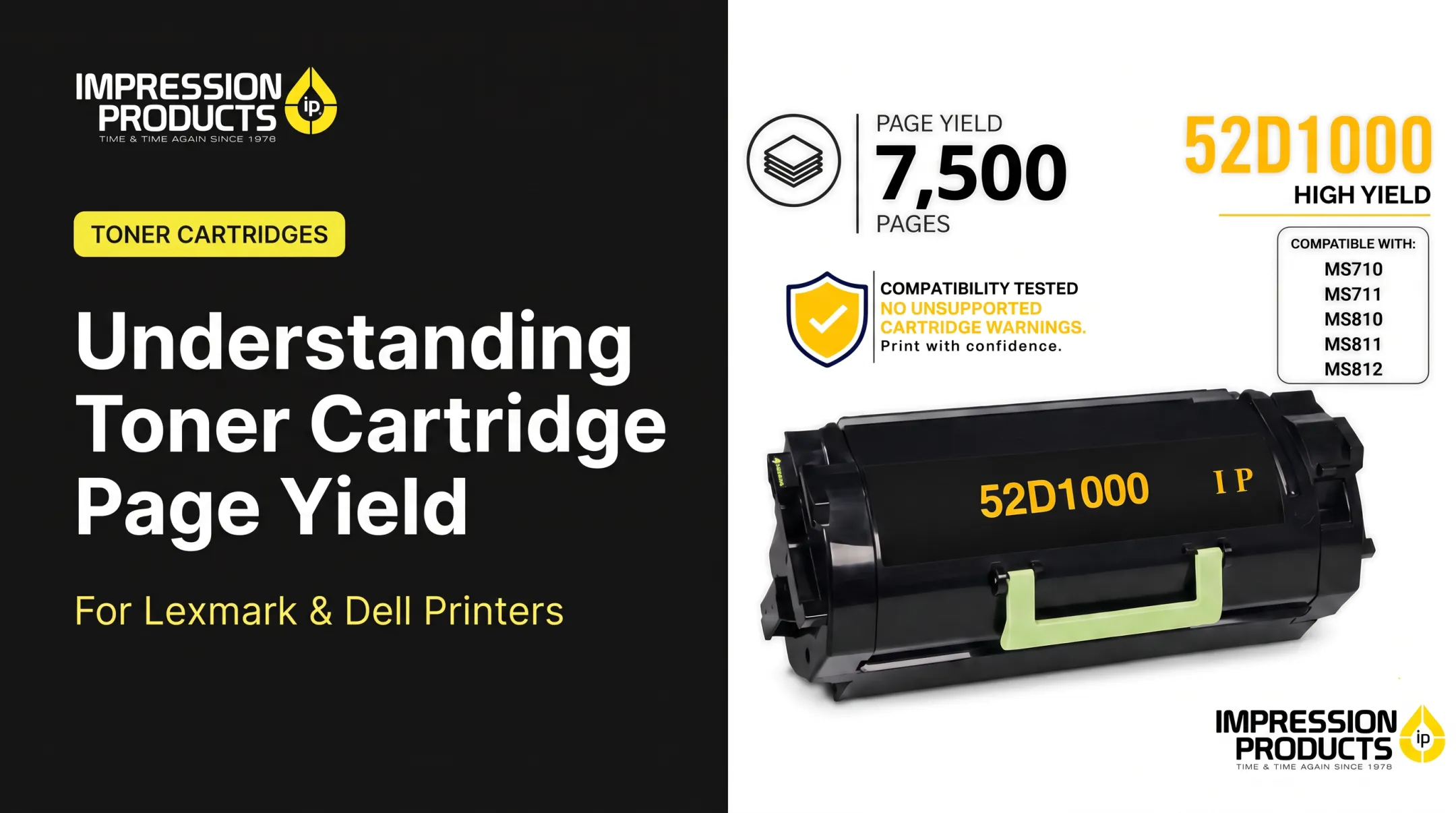
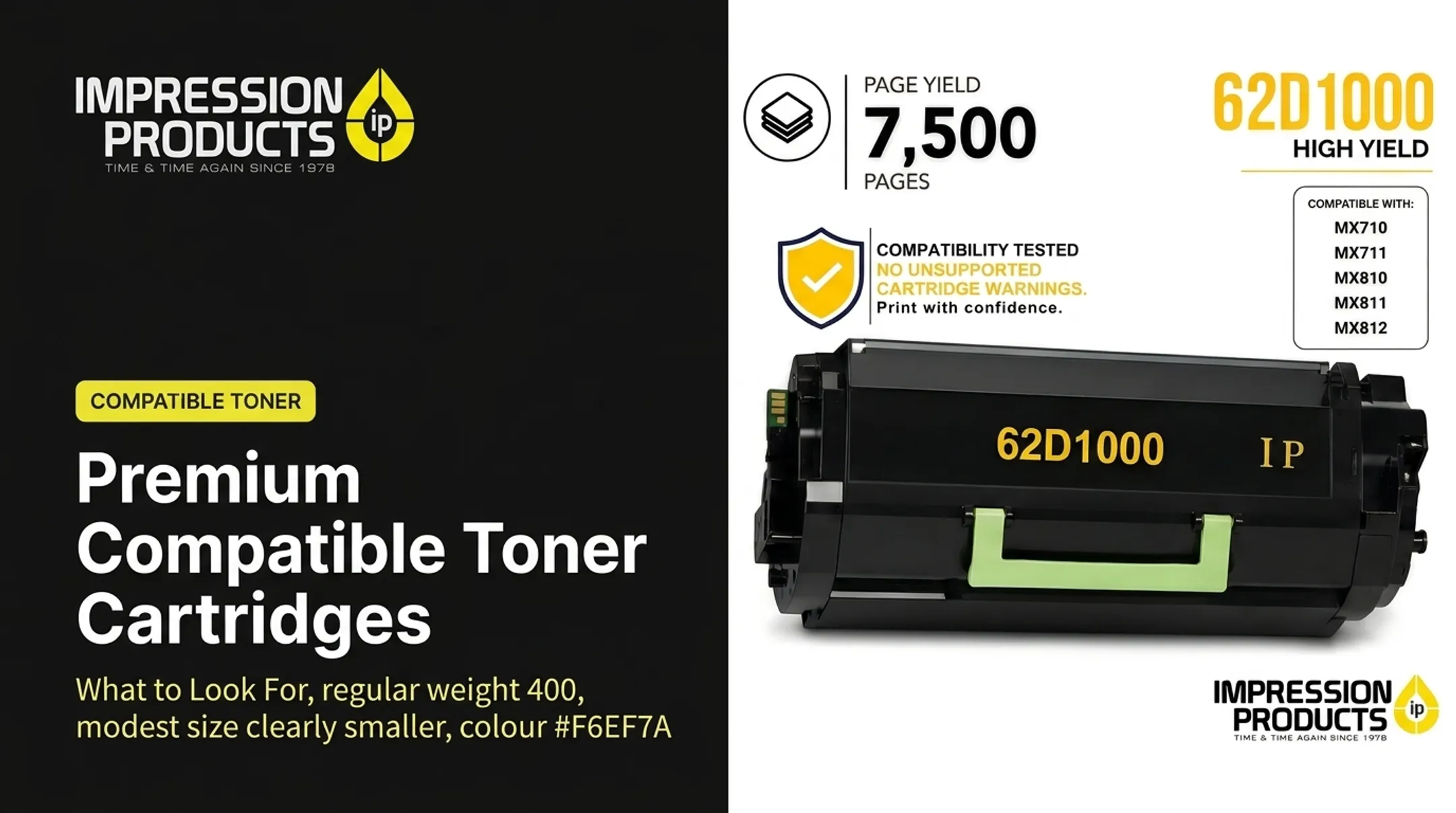
Impression Products' catalog runs from a Lexmark 62D1000 standard-yield cartridge rated around 7,500 pages to a 62D1X00 extra-high-yield version rated near 45,000 pages. Both are built for high-volume machines like the Lexmark MX810 and MX811 series.

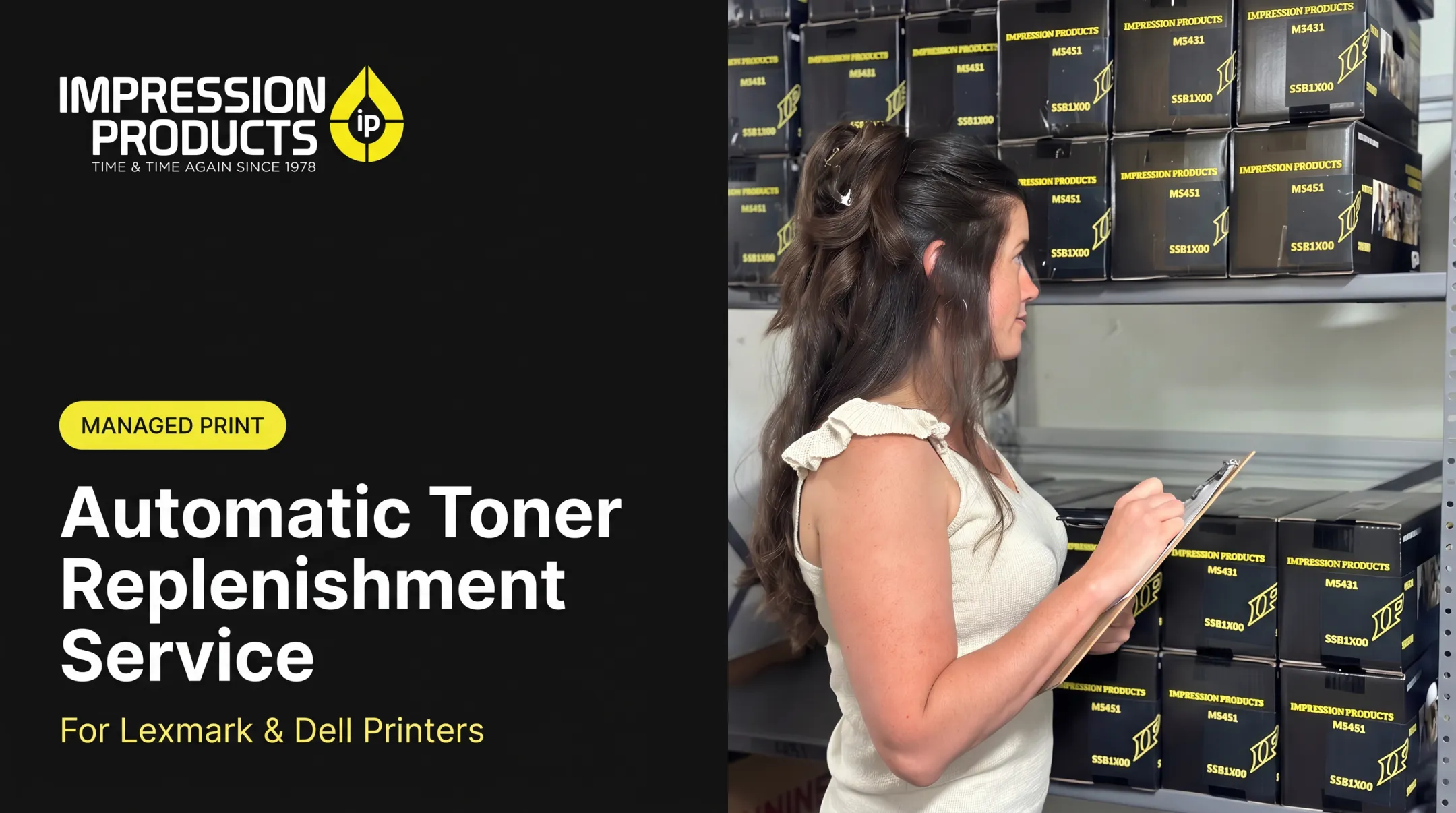
Businesses managing multiple locations, such as retail pharmacy chains or dealership networks, often lean on managed print services that monitor toner levels remotely and ship replacements before anyone notices a shortage.
Conclusion
Toner does the actual printing. The chip's job is narrower: identify the cartridge, manage usage estimates, and decide how the printer reports status or permits operation. Keeping those two functions separate in your head clears up most "why is this happening" moments at the printer.
That distinction matters most when you're comparing OEM, compatible, remanufactured, with-chip, and no-chip options. Getting the wrong combination means recognition errors, inaccurate alerts, or unnecessary downtime.
If you're managing more than one printer, get supplier guidance before ordering. Impression Products' team can confirm the right part number and chip status for your model before you buy.
Frequently Asked Questions
What does "toner cartridge with chip" mean?
It means the cartridge includes an electronic component that communicates with your printer, supports cartridge recognition, and may report usage or toner-level information. Without it, some printers won't accept the cartridge at all.
Will a toner cartridge work without a chip?
Some printer and cartridge systems operate without one; others require it for normal function. Going chipless can mean missing toner estimates, recognition errors, or the need to transfer a chip from your old cartridge.
What information does a toner cartridge chip store?
Typically cartridge identification, compatibility or model data, and usage information like page counts. Exact fields vary by manufacturer, with HP documenting install dates, coverage, and print modes among its stored data.
Why does my printer say the toner is empty when the cartridge still has toner?
Printers often rely on page-count estimates or a chip-reported limit rather than measuring toner directly. If this happens often, check cartridge compatibility, reseat the cartridge, and contact your supplier for guidance.
Can a toner cartridge chip be replaced or transferred?
Some no-chip or refillable cartridge systems are built for chip transfer, but procedures and compatibility requirements differ by manufacturer. If handled incorrectly, the transfer can damage the chip or the cartridge itself.